

MENU
COMPARE
A new and powerful tool to build your clients' websites with your brand.
Copyright 2025 © SiteBuilderBuilder
All Right Reserved.
VAT 05021040877
CONTACTS
SITE BUILDER BUILDER TUTORIALS
Email : info@sitebuilderbuilder.com
WhatsApp: +39 351 989 1346
How to activate a Pro site from the editor
Check out the guides to set up your site builder, activate free and professional websites, and manage your clients from the dedicated CRM.

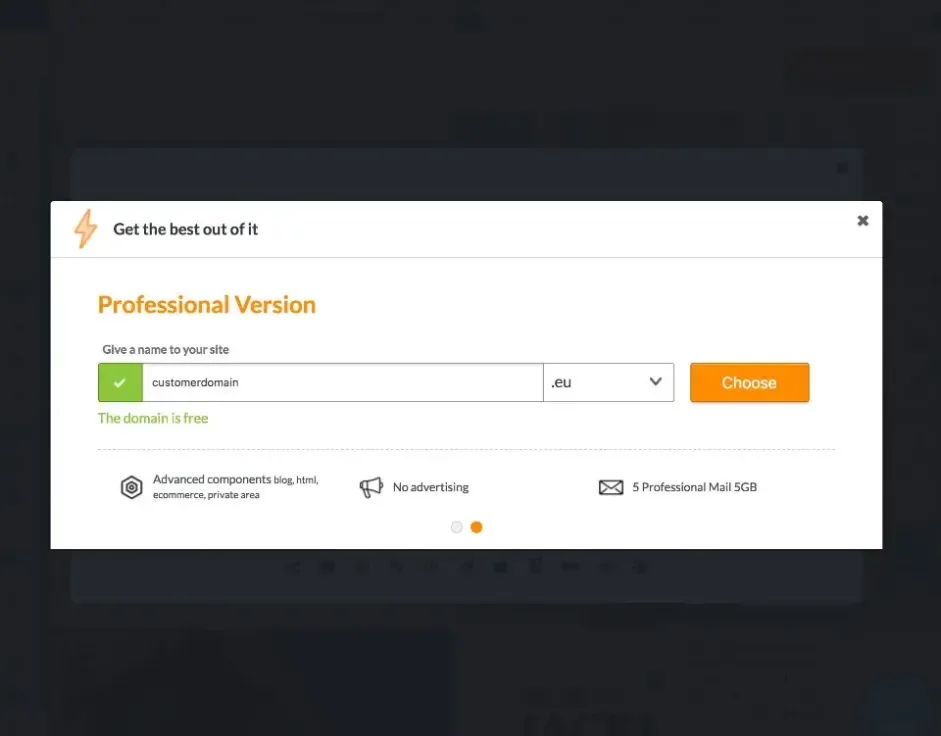
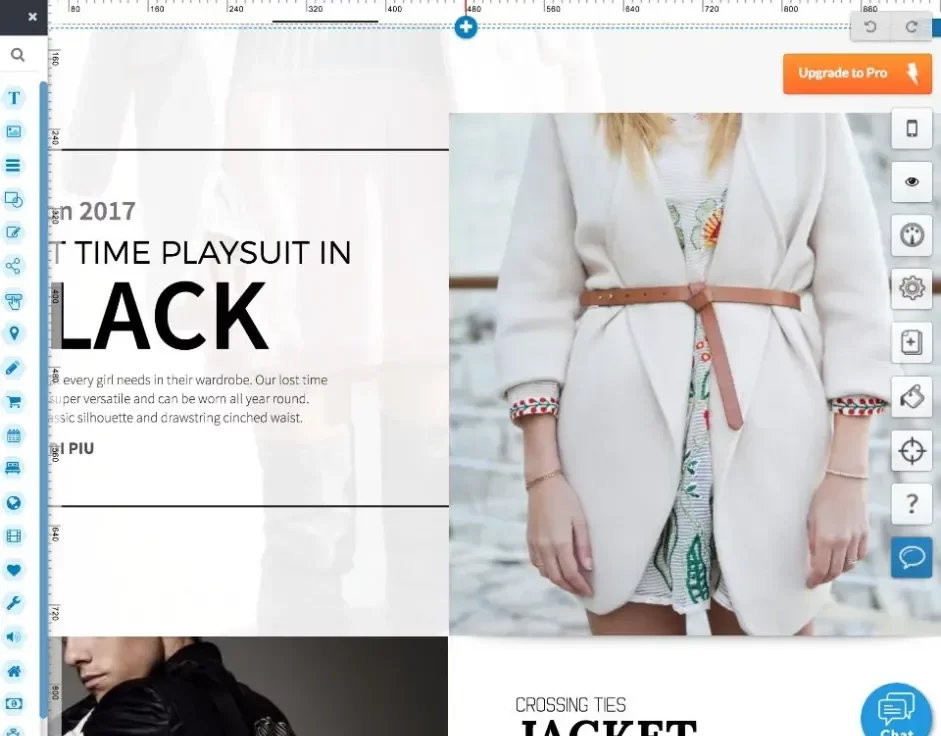


Allow your customers to activate professional sites through your site builder with just a few simple clicks.
Just click the Register button on the Login widget added to your website, choose an email and password, and select one of the available templates.
For Professional account activation, click Save and enter the chosen domain name.
Your customers can then select the annual or monthly subscription with the rates you set in the Pricing and Payment Methods section of your CRM and proceed with payment.
Finally, they will be asked to enter the subscription header details.
You can monitor new activations from the Users in Activation section of your CRM.

02.
How to activate Free or Professional sites
How to register a Free site

To register and manage a Free site with your site builder, just click the Register button on the Login widget added to your website.
How to activate a Professional site from the CRM
Your website allows you to communicate your site builder and all your features, and it will serve your clients to access their websites.
How to activate a Pro site from the editor
Customize your builder components and select the templates to make available for your clients. Remember, you can create custom templates!
